

Call a Prompt
This guide will show you how to call your Prompts through the API, enabling you to generate responses from the large language model while versioning your Prompts.
You can call an existing Prompt on Humanloop, or you can call a Prompt you’re managing in code. These two use-cases are demonstrated below.
Prerequisites
Install and initialize the SDK
First you need to install and initialize the SDK. If you have already done this, skip to the next section.
Open up your terminal and follow these steps:
- Install the Humanloop SDK:
- Initialize the SDK with your Humanloop API key (you can get it from the Organization Settings page).
Call an existing Prompt
If you don’t have Prompt already on Humanloop, please follow our Prompt creation guide first.
Get the Prompt ID
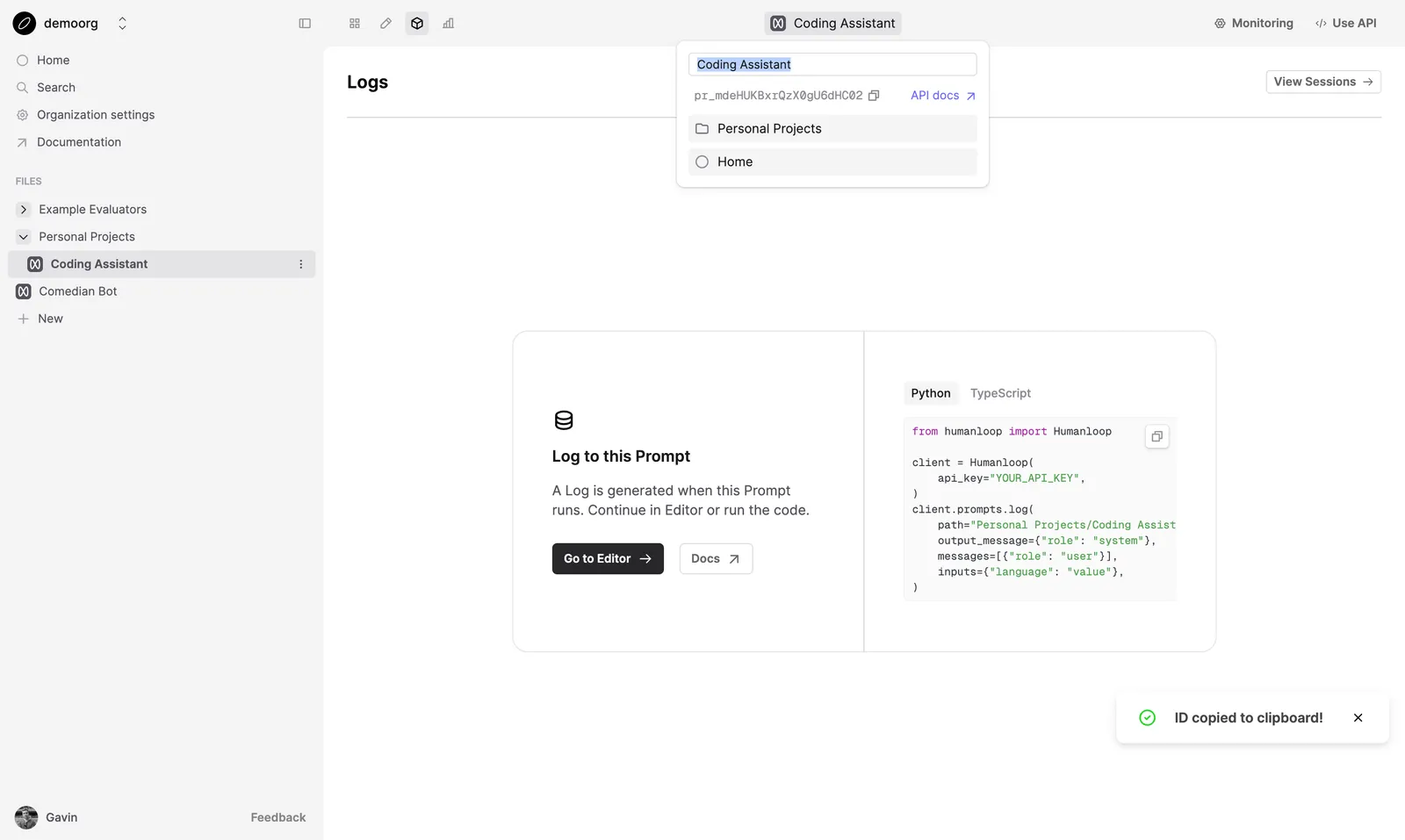
In Humanloop, navigate to the Prompt and copy the Prompt ID by clicking Prompt name in the top bar, and copying from the popover.
Call the Prompt by ID
Now you can use the SDK to generate completions and log the results to your Prompt:
This can be done by using the Prompt Call method in the SDK.
Call a Prompt defined in code
You can also manage your Prompts in code. Pass the prompt details within your API call to generate responses with
the specified parameters.
View your Prompt Logs
Navigate to the Logs tab of your Prompt. You will be able to see the recorded inputs, messages and model generations.
Next steps
- Iterate and improve on your Prompts in the Editor
- Capture end-user feedback to monitor your model performance.